

First run
Create the account and answer three setup questions.
Create your account
The first time you open Coinio it asks for a username and a password of at least 10 characters. This is the only account: Coinio is single-user, and once it exists the setup page is gone. Every later visit shows the login page.
Failed logins are limited to 10 per 15 minutes per IP address. A session lasts 30 days.
The welcome steps
Right after signing up, three short steps follow. Skip in the corner ends them at any point; everything can be changed later in Settings.
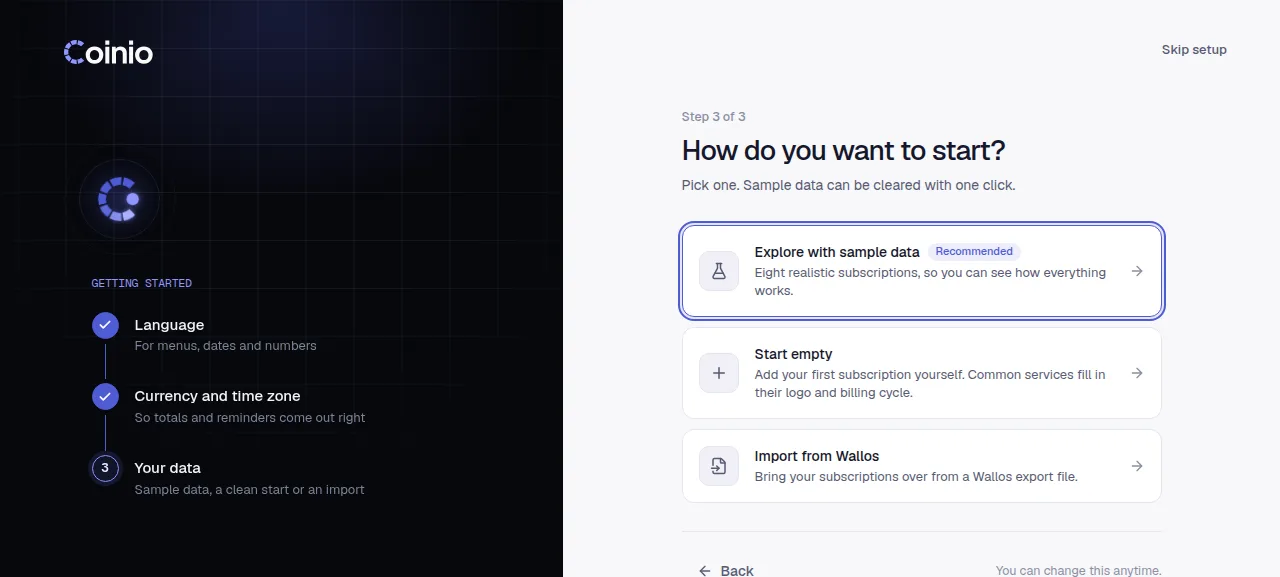
Language. English, Turkish, German, French, Spanish, Brazilian Portuguese, Simplified Chinese and Japanese. It starts in your browser's language. This also sets the language of Telegram reminders.
Currency and time zone. Your main currency, the one totals are shown in (guessed from your browser's region), and your time zone (taken from your browser). The time zone decides what "today" is, when automatic payments are recorded and when reminders go out.
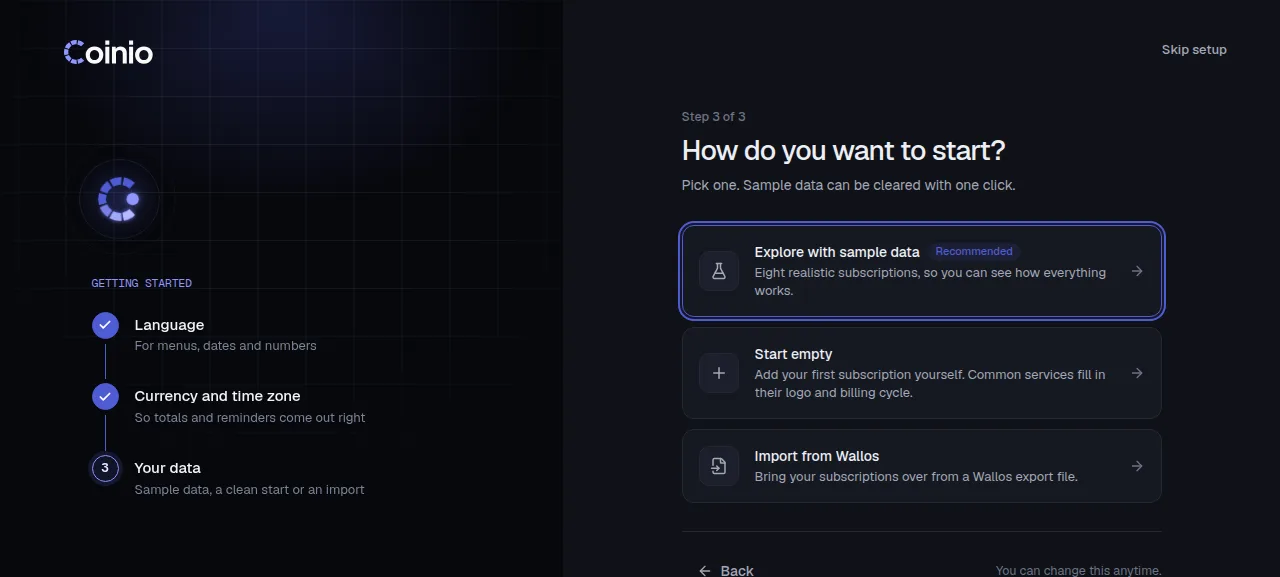
How to start:
- Explore with sample data adds eight example subscriptions priced in your currency. A banner on the dashboard removes them with one click; anything you add yourself stays.
- Start empty goes straight to the dashboard.
- Import from Wallos opens Settings › Import. See Import and export.
Add a subscription
Use Add subscription in the top bar, or Quick add on the dashboard: type a name or a website (spotify.com), pick monthly or yearly, done. It starts today; change the rest later. Details in Subscriptions.
Before you rely on it
- Set up backups of the data volume.
- If you want reminders, connect Telegram.
- For the widget or AI connectors, expose Coinio over https.