

Introduction
Coinio is a self-hosted subscription and bill tracker. One Docker container, one data folder, your server.
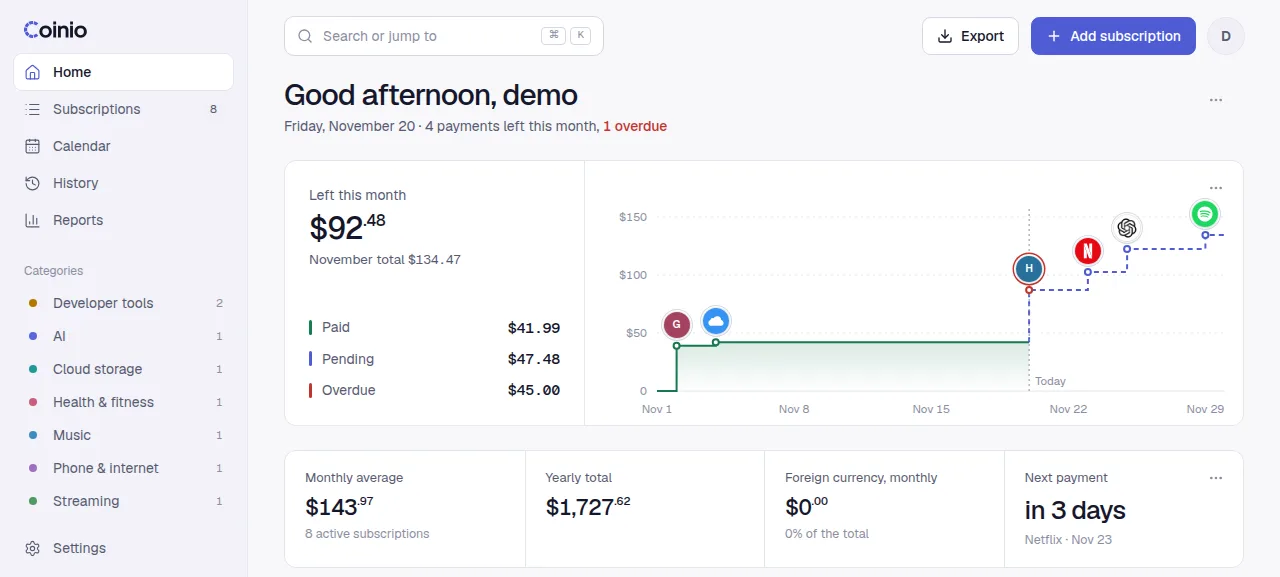
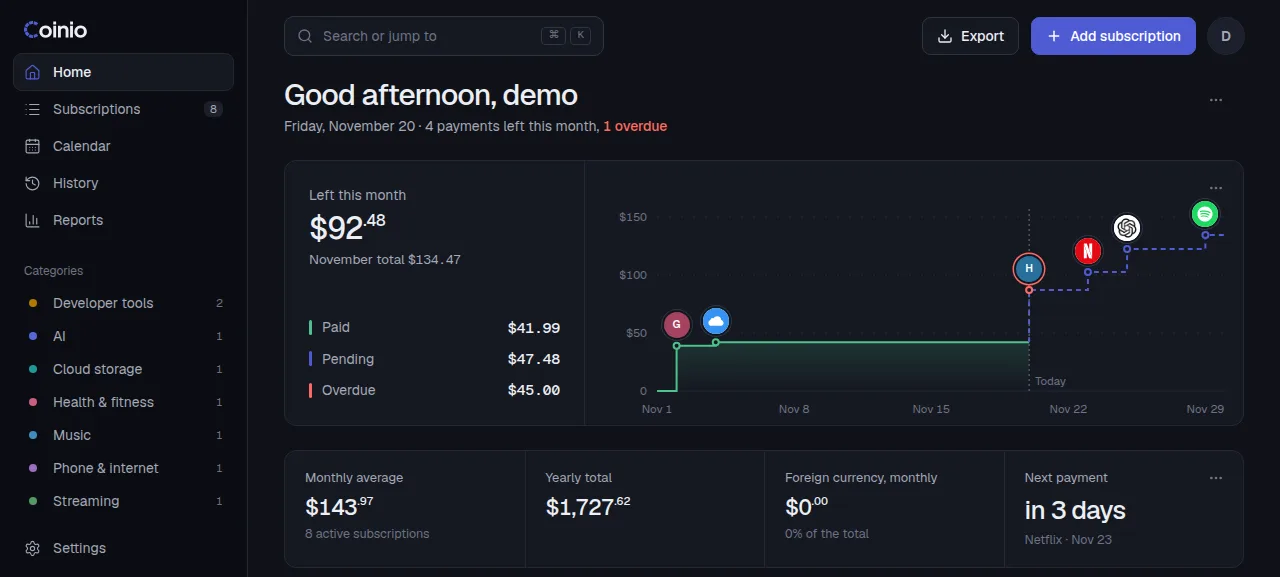
Coinio keeps every recurring payment on one page: streaming, cloud storage, the gym, rent, the domain you renew once a year. You see what is due this week, what is left to pay this month and what the whole year costs, converted to your main currency.
It runs as a single container on a machine you control. There is no account on someone else's server, no telemetry and no paid tier.
What it does
- Subscriptions with real billing cycles. Weekly, monthly or yearly, every N cycles, paid automatically or by hand. Mark a payment as paid, skip a period or pause a subscription; the history stays.
- A built-in catalog. 161 popular services with their websites, so the logo comes by itself. Any other site works too.
- Calendar and reminders. Payment days months ahead, and a daily Telegram message about what is due and overdue.
- Many currencies. Each subscription keeps its own currency; totals are converted with daily exchange rates.
- History and reports. What you paid in the last 12 months and what to expect in the next 12, by category.
- Import and export. Bring your data over from Wallos; export subscriptions and payments as CSV or JSON.
- AI assistants (MCP). Claude, ChatGPT and other MCP clients can read and update your subscriptions.
- iPhone widget. Home Screen and Lock Screen widgets through Scriptable.
- Your own look. Themes, accent colour, fonts, dashboard cards, custom CSS and your own HTML cards.
How it runs
Every install method starts the same image, ghcr.io/yakupemreyerli/coinio:latest:
- the web app and API listen on port 8080 inside the container;
- all data lives in
/data: an SQLite database (coinio.db) and the downloaded logos; - one account per install, created the first time you open it.
Back up /data and you have backed up everything.