

Subscriptions
Billing cycles, automatic and manual payments, the service catalog and logos.
A subscription is anything you pay on a schedule. Each one has a name, an amount in its own currency, a billing cycle and the date of the next payment.
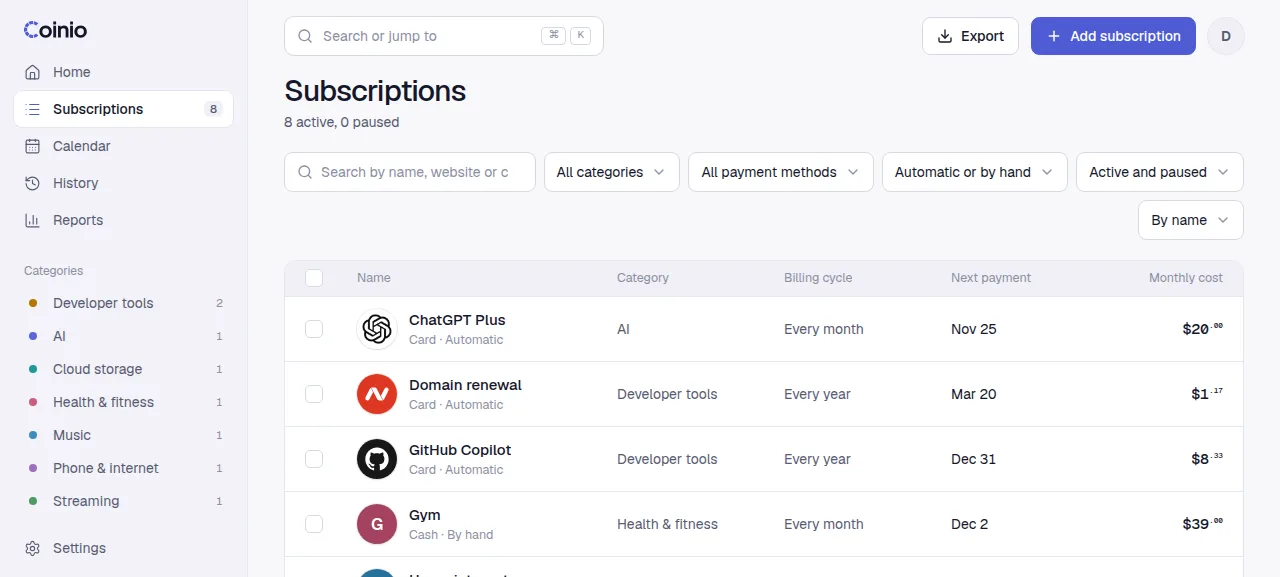
Fields
| Field | What it does |
|---|---|
| Name | Up to 80 characters. |
| Website | A bare domain such as netflix.com. Used to find the logo. |
| Amount and currency | Any currency with two decimals (USD, EUR, TRY, GBP...). |
| Billing cycle | Weekly, monthly or yearly, every 1 to 36 cycles. "Every 3 months" is monthly with an interval of 3. |
| Next payment | The next due date. Monthly and yearly cycles keep this day of the month. |
| Charged automatically | On for cards on file. Off for things you pay by hand. |
| Amount changes every time | For usage bills. The amount is shown as an estimate (~) and you enter the real one when you mark it paid. |
| Payment method, category, notes | Free text. Categories group the dashboard breakdown and reports. |
| Remind me | Days before the due date for the Telegram reminder, 0 to 30. Default 1. |
| Active | Off pauses the subscription. |
A subscription billed on the 31st is due on the last day of shorter months and goes back to the 31st when the month allows it.
Automatic and manual payments
Automatic subscriptions are marked as paid on their due date without you doing anything. Coinio checks every minute and uses the time zone from Settings › General. They never show as overdue.
Manual subscriptions wait for you. Once the due date passes without a payment, they show as overdue in red until you mark them paid or skip them.
Mark as paid, skip, pause
From the upcoming list, the calendar or a subscription's page:
- Mark as paid records the payment and moves the subscription to its next cycle. You can change the amount (for variable bills) and add what your card was really charged in your main currency; reports then use that figure.
- Skip this period records the date as skipped. It counts as nothing in totals and the subscription moves on. Skipping can be undone.
- Pause sets the subscription inactive: it drops out of totals, reminders and the upcoming list. When you resume, the periods you missed are not brought back as overdue; the next payment moves to the first due date from today on.
- Undo a payment from the toast or the payment history. A manual payment is removed and the due date opens again. An automatic payment stays in the history as Undone, so it is not recorded again.
If you mark a future date as paid ahead of time, the next payment steps over it.
Deleting a subscription deletes its payment history too. Pause it instead if you want to keep the record.
The catalog
Typing a name in the form or in Quick add suggests services from a built-in list of 161 popular services (streaming, music, AI tools, cloud storage, VPNs, developer tools, telecoms and more). Picking one fills in the name, website and category. The list has no prices: they differ by country and go out of date.
Anything not in the list works the same way; type its website and the logo is fetched.
Logos
When a subscription gets a website, Coinio looks for a logo in this order and stores it in /data/logos:
- Brand logos from Simple Icons, bundled in the image, when the domain matches a brand exactly.
- The site's own icons:
apple-touch-icon, web manifest icons and<link rel="icon">, at least 64 px. - Google's icon cache, which often has a large icon when the site blocks automated requests.
- DuckDuckGo's icon service as the last try.
To pick another one, open the logo in the subscription form. It lists brand logos (in a filled or plain style), the site's icons and the icon services. You can also upload an image (PNG, JPG, WebP, SVG or ICO, up to 512 KB) or use a letter badge.
Logo downloads only go to public https addresses: no IP addresses, no private networks, at most three redirects and a size limit. A logo search cannot be used to reach other machines on your network.
Finding things
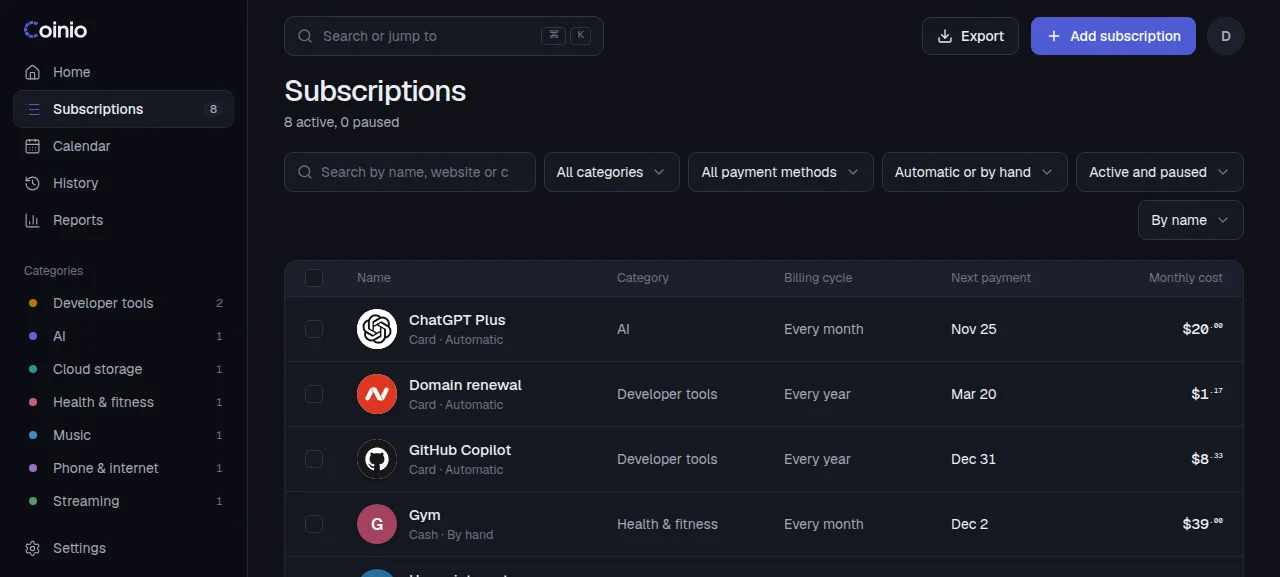
Subscriptions lists everything with search (name, website, category) and filters for payment method, automatic or manual, and active or paused. Select several rows to set a category or delete them together.
Press Ctrl K (⌘ K on macOS) anywhere to search, jump to a page or mark a subscription as paid.